Switch to Bento Bunny
Bring your food log history with you. Direct CSV import from MyFitnessPal, Cronometer, Lose It!, and Apple Health — with automatic deduplication.

Switch from MyFitnessPal to Bento Bunny
Leave MyFitnessPal without losing your data. Bento Bunny imports your full export CSV with macros, dates, and meals preserved. Step-by-step guide.
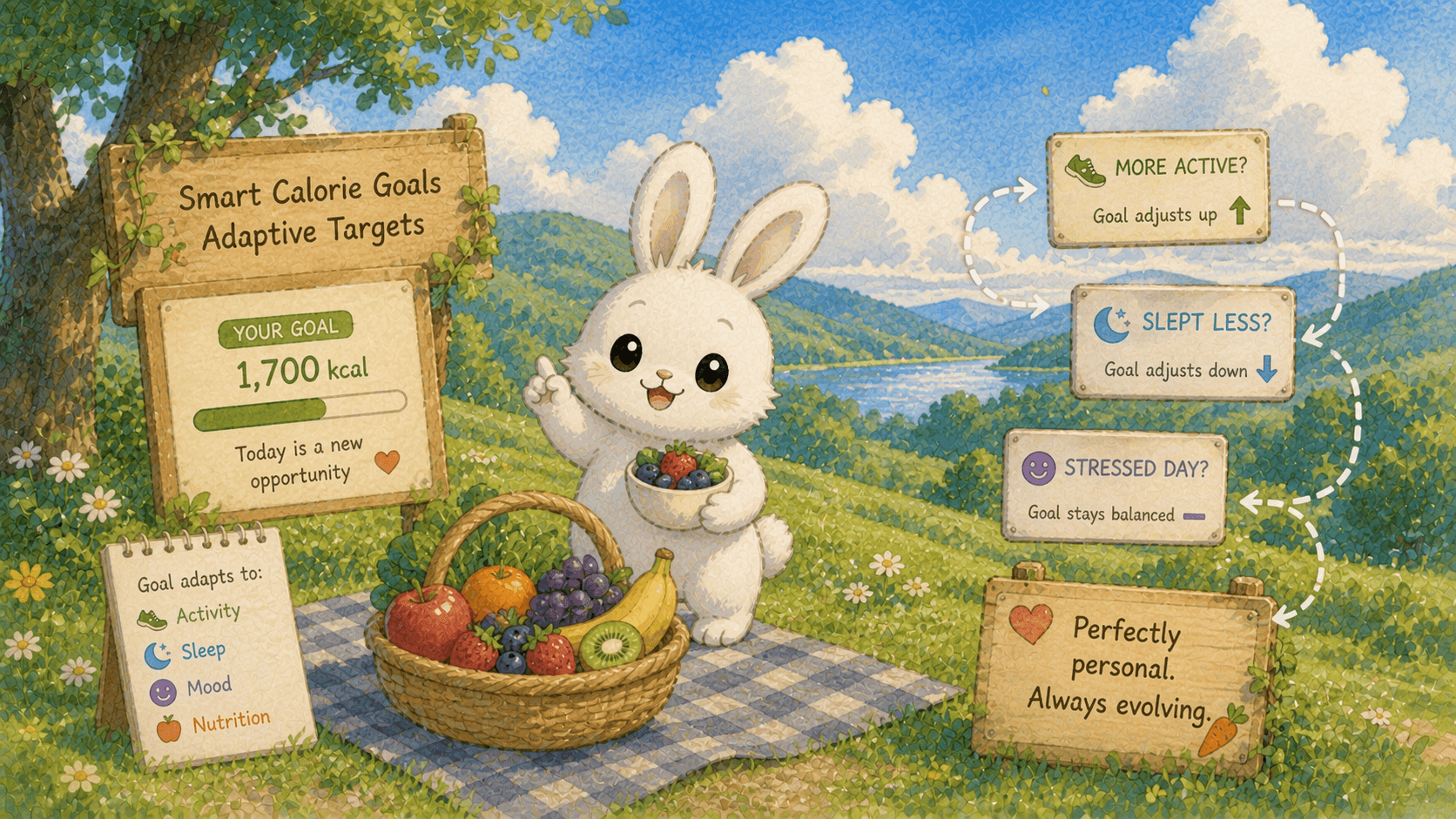
Switch from Lose It! to Bento Bunny
Leave Lose It! without losing your history. Export your CSV data, carry your calorie budget and goals over, and switch to photo-first logging. Step-by-step guide.
Switch from Cronometer to Bento Bunny
Move from Cronometer to Bento Bunny with one-tap import. Your food history, dates, and macros come with you. Step-by-step migration guide.

Switch from Cal AI to Bento Bunny
Leaving Cal AI? There's no real data export, so here's how to save what matters, cancel the subscription properly, and restart with free on-device AI logging.

Switch from Noom to Bento Bunny
Leaving Noom? Here's how to actually cancel (it's notoriously awkward), request your data export, and keep tracking for free with photo-first logging.

Switch from YAZIO to Bento Bunny
Leave YAZIO without losing what matters. Request your data export, carry your calorie goal over, and switch to free photo-first logging. Step-by-step guide.