watchOS 27: What's New for Calories (and What Apple Skipped)
watchOS 27 brings sleep scores, better indoor distance accuracy, and heart-rate improvements. What it means for calorie tracking, and why food logging still is not part of it.
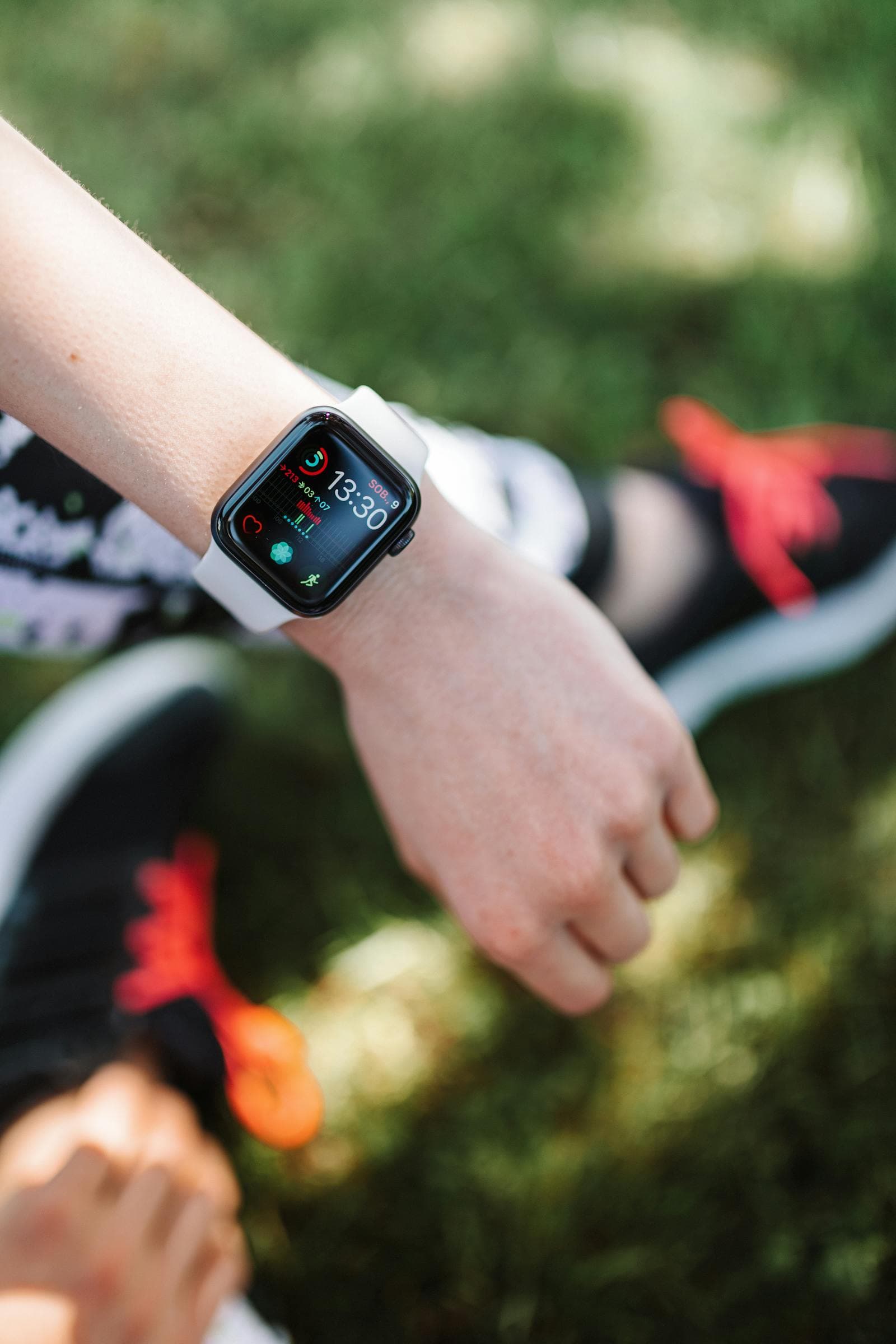
Apple announced watchOS 27 at WWDC 2026, and the health improvements are real. They are also, without exception, on the calories-out side of the ledger. If you came looking for food logging on your wrist, that is still not the update.
The short version
- Sleep score notifications with thresholds you set yourself.
- Better indoor distance accuracy after an update to the motion algorithms behind treadmill walks and runs.
- Heart-rate tracking improvements on existing Apple Watch hardware, no new watch required.
- Cycle Tracking expansion, including notifications for possible perimenopause indicators.
- Workout Buddy adds Spanish.
- Nothing for food logging. Not a database, not scanning, not an entry flow.
watchOS 27 arrives alongside iOS 27 in the autumn of 2026.
What Actually Changes for Your Calorie Numbers
Indoor workouts get more honest
The motion algorithms that estimate distance during treadmill walks and runs have been updated, and distance feeds directly into the active-calorie estimate. If you do most of your cardio indoors, this is the change most likely to move your daily numbers. It is a small correction rather than a revolution, but it is the right kind of fix: your Watch was guessing, and now it guesses better.
Heart rate refinements
Improved heart-rate tracking matters because heart rate is what your Watch leans on when motion alone cannot tell how hard you are working. Better heart data means slightly better burn estimates during harder efforts. Again, this lands on existing hardware.
Sleep scores, indirectly
Sleep score notifications are not a calorie feature, but sleep is one of the more reliable predictors of whether you will stick to an eating plan the next day. If you have ever wondered why some weeks feel effortless and others fall apart by Wednesday, a visible sleep trend next to your food log is more useful than it sounds.
The Gap Apple Still Has Not Closed
Every watchOS release for years has improved the measurement of energy out and left energy in untouched. watchOS 27 continues that. There is no way to log a meal on your Watch beyond what a third-party app provides, no food database, and no Apple equivalent of a food diary on the wrist.
iOS 27 did add nutrition-label scanning on the iPhone, which is the first movement Apple has made here in years. But it needs a printed label and a phone camera, so it does not reach the Watch and it does not reach cooked food. See the iOS 27 food tracking guide for what that feature does and does not cover.
The practical consequence: your Watch will tell you with increasing precision that you burned 2,340 calories today, and it will have no opinion whatsoever about the 2,600 you ate. Half the equation, measured beautifully.
Why the Missing Half Is the Expensive One
Errors on the burn side are modest and, more importantly, consistent. Your Watch may be off by ten percent, but it is off by roughly the same ten percent every day, so the trend still tells you the truth.
Errors on the intake side are neither modest nor consistent. Research on self-reported eating has found under-reporting in the range of twenty to forty percent, and it is rarely deliberate. It is the oil in the pan, the second helping, the biscuits at work that never made it into the log. That is the number that decides whether the scale moves, and no watchOS update is going to measure it for you.
So the useful upgrade path is not a better watch. It is making the food side fast enough that you actually do it.
The Setup That Works
- Apple Watch on watchOS 27 for the out side: active calories, resting calories, heart rate, sleep.
- Apple Health as the hub, holding both sides in one timeline. See how Apple Health food tracking works.
- A fast tracker for the in side that writes back to Health, so the two numbers live together.
That third piece is where Bento Bunny fits. Type what you ate in plain words, photograph the plate, or scan a barcode, and the AI estimates calories and macros in seconds, then writes them to Apple Health next to your Watch data. On iOS 26 and later it runs on-device, so meal photos never leave your phone. If you are setting this up from scratch, the Apple Watch calorie tracking guide walks through it.
The bottom line
watchOS 27 is a solid, unglamorous health update: more accurate indoor distance, better heart-rate data, sleep scores, and an expanded Cycle Tracking feature, all on hardware you already own. For calorie tracking it sharpens the half Apple has always been good at and leaves the half that actually decides your results exactly where it was. Pair it with something that handles food quickly and the two halves finally add up.
Frequently Asked Questions
What are the new health features in watchOS 27?
Does watchOS 27 add food or calorie logging?
Will watchOS 27 make my calorie burn more accurate?
Do I need a new Apple Watch for watchOS 27's health features?
When is watchOS 27 released?
Start tracking with Bento Bunny
AI calorie tracking — just Type what you eat.