Apple Watch Calorie Tracking Guide (2026)
How calorie tracking on Apple Watch actually works: which apps have real Watch support, how complications and quick-add work, and what to expect from each.
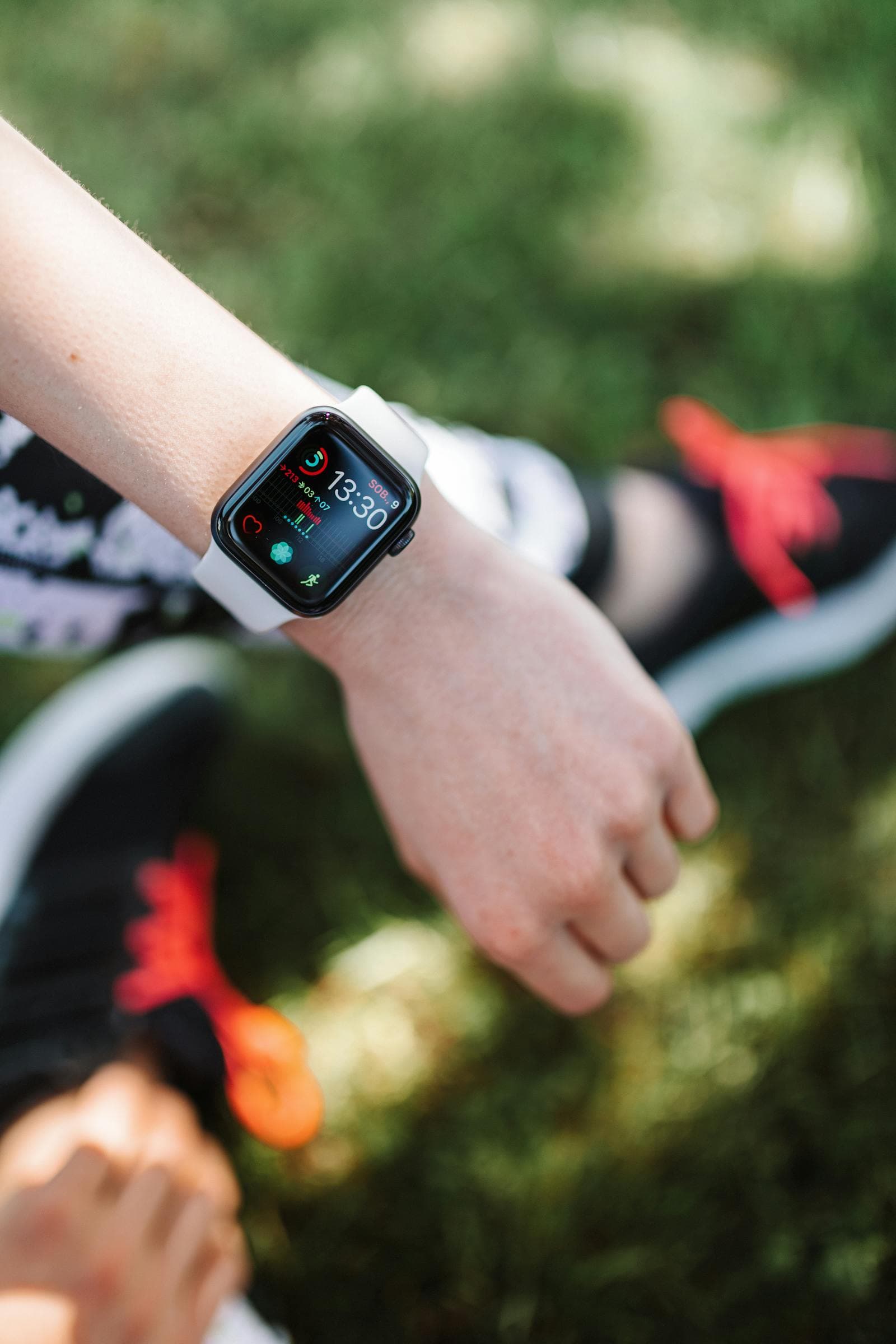
Apple Watch doesn't ship with a food-logging app of its own. Its Activity, Workout, and Fitness apps track calories burned, never the calories you eat, so logging intake means a third-party app. And "supports Apple Watch" spans everything from a full quick-log experience to a complication that just opens your iPhone.
The short version
- Apple tracks burn, not intake. No Apple Watch app lets you log what you ate. That's third-party territory.
- The Watch is good at three things: complications, one-tap quick-add of saved meals, and dictating an entry by voice.
- It's bad at the rest. Photos, database searches, and macro edits all belong on the phone, where the screen and camera live.
- Best real use is a glance and a tap. A complication showing calories remaining, plus an "add my usual breakfast" shortcut, covers what most people actually do from the wrist.
What Apple Watch Can Actually Do for Calorie Tracking
The Apple Watch supports three relevant capabilities for food logging:
- Complications: a small face widget showing today's calories (intake or remaining).
- Quick-add buttons: tapping a complication or shortcut to add a saved frequent meal or a quick calorie estimate from the wrist.
- Dictation: using Siri or the microphone to dictate a food entry that an AI parses into a logged item.
What the Watch cannot do well: full meal logging with photos (the screen is too small and the camera isn't on the wrist), large database searches (typing on the Watch is painful), or detailed macro adjustments.
Apps With Genuine Watch Support
MyFitnessPal
Has a Watch app and complications. Quick-add via saved meals works. Database search on the Watch exists but is slow. Real support, useful in practice.
Lose It!
Similar to MyFitnessPal. Snap It (photo logging) is iPhone-only. The Watch app is for quick-add and reviewing today's total.
Lifesum
Watch app with complications and quick logging from saved meals. Works well for habitual eaters with repeating meals.
Cronometer
Has a Watch app for quick log review and basic add functionality. Heavier database lookups stay on the phone.
Carb Manager
For keto users specifically, has good Watch support including net-carb complications.
Apps With Limited or No Watch Support
Cal AI
Photo-first apps don't have natural Watch support because the camera is the input mechanism. Most have a basic Watch companion that shows today's calories.
MacroFactor
Has a Watch app but it's primarily for viewing. The algorithmic adjustments happen weekly and don't need wrist interaction.
What "Watch Support" Should Actually Mean
The most useful Watch features for calorie tracking are simple: a complication showing today's remaining calories, and a one-tap "add my usual breakfast" type quick-log. Most people don't log new foods from the Watch. They log saved frequent items, or they review their total. The Watch as a glanceable progress display is the most valuable use case.
For weekday lunches and snacks, a Siri command like "Add 200 calories" handled by the right app is faster than pulling out a phone, opening an app, and tapping through. Apps with Shortcuts integration (most of the major ones do) can be wired into Siri this way.
The bottom line
Most people don't log new foods from their wrist. They glance at a total, or tap in a meal they eat all the time. So the Watch's job is small and worth doing well: a complication with today's calories and macros, and a one-tap quick-log. That's exactly what Bento Bunny's Watch companion does: a glanceable complication, a quick-log shortcut for your three most-frequent meals (set on the phone), and a Siri Shortcuts command for voice logging. The real logging stays on the iPhone, where you can describe a meal in a plain sentence or snap a photo and let the AI handle the macros. See how Bento Bunny compares to other trackers.
Frequently Asked Questions
Does the Apple Watch track calories you eat?
Which calorie apps have real Apple Watch support?
Can you log a meal from your Apple Watch?
What's the most useful Apple Watch feature for calorie tracking?
Start tracking with Bento Bunny
AI calorie tracking — just Type what you eat.