Apple Health Food Tracking Explained (2026)
Apple Health food tracking: what it logs, what it doesn't, which third-party apps write to it, and the cleanest setup for full intake plus burn data.
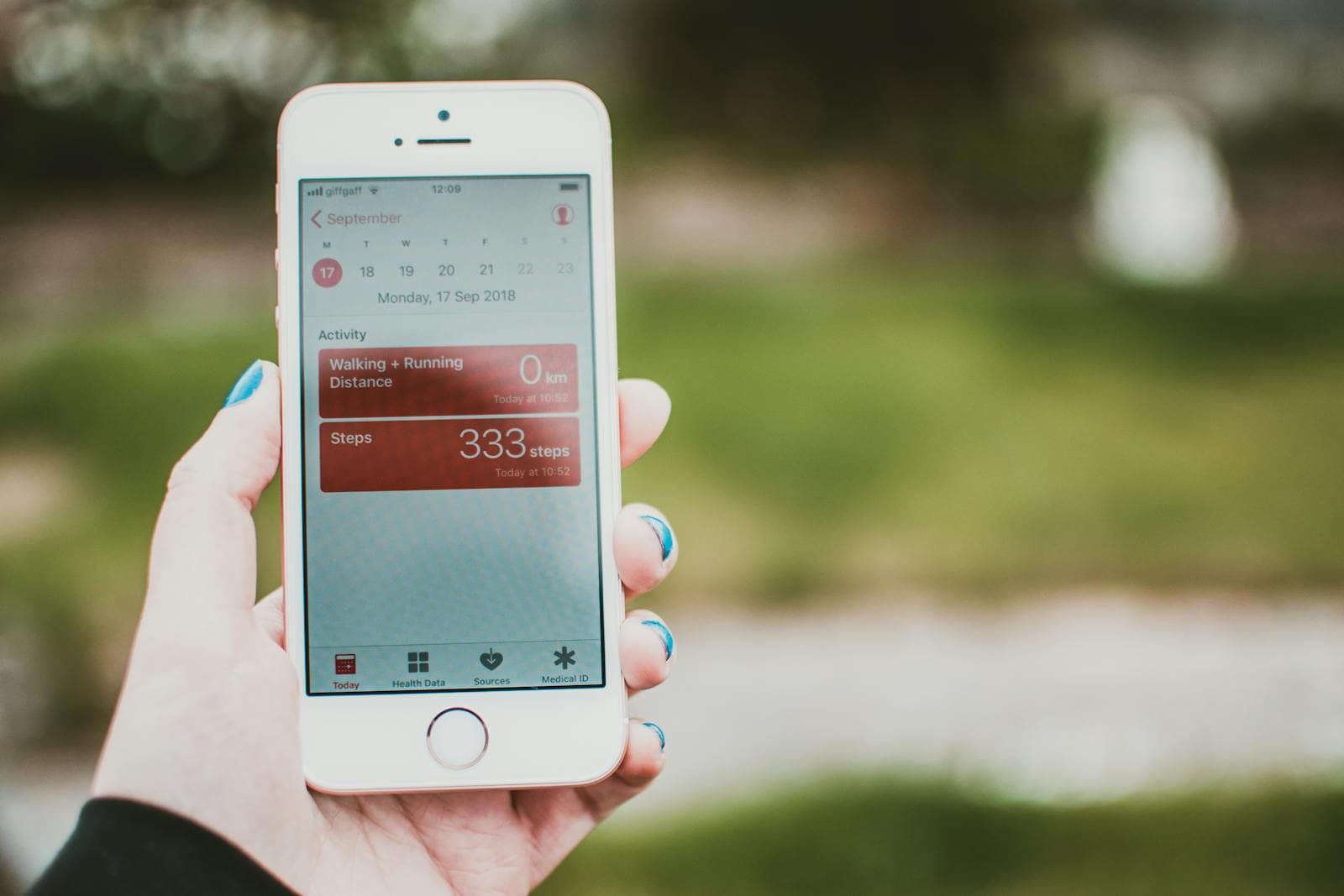
Apple Health can store food data (dietary energy, protein, carbs, fat, sugar, fibre, sodium, and dozens of micronutrients), but it gives you no built-in way to enter a meal. It's the aggregator, not the logger. To make Apple Health food tracking useful, you connect a third-party calorie app, let it write to Health, and your eating data flows in beside your activity data.
The short version
- Health stores, it doesn't capture. The Nutrition schema is granular (calories, macros, dozens of micronutrients), but it only fills when a connected app writes the numbers.
- What it can't do: read a photo, search a food database, or log meal-by-meal. Manual entry is one daily total per nutrient, which isn't real tracking.
- Cronometer fills the most. It writes nearly every micronutrient field; MyFitnessPal, Lose It!, and Lifesum cover calories and macros well.
- Pick one intake app. Two apps writing to Health creates duplicates it can't clean up: one source of truth for food, the Watch for activity.
What Apple Health Stores Under "Nutrition"
Open Apple Health → Browse → Nutrition, and you'll see categories for:
- Dietary Energy (calories eaten)
- Protein, Carbohydrates, Total Fat, Saturated Fat, Monounsaturated Fat, Polyunsaturated Fat
- Sugar, Fiber, Sodium, Cholesterol, Caffeine, Water
- Vitamins A, B-series, C, D, E, K (each individually)
- Calcium, Iron, Magnesium, Potassium, Zinc, and other minerals
This is a more granular nutrition schema than most calorie-tracker apps surface in their own UI. Apple Health can store it all, but it only fills with data when a connected app writes the values.
What Apple Health Cannot Do
- It cannot identify a meal from a photo.
- It cannot search a food database.
- It cannot log a meal-by-meal entry: you can only enter a single daily total per nutrient, manually, in the Health app itself (not useful for real tracking).
- It does not compute net energy balance unless both intake and active/resting calories are populated.
Which Apps Write Food Data to Apple Health
MyFitnessPal
Writes dietary energy and macros to Health. Doesn't write micronutrients reliably.
Lose It!
Writes dietary energy, macros, and basic micronutrients. Good integration.
Cronometer
The best Apple Health integration in the category: it writes nearly every micronutrient field, not just calories and macros. If you care about Apple Health's micronutrient detail being populated, Cronometer is the only mainstream app that fills the full schema.
Lifesum
Writes dietary energy, macros, and water. Solid mainstream integration.
Carb Manager
Writes net carbs alongside the standard fields, relevant for keto users.
Yazio
Writes dietary energy and macros. Functional but less complete than Lose It! or Cronometer.
The Clean Apple Health Setup
The setup most experienced users land on:
- One source of truth for intake: pick one calorie tracker and stick with it. Multiple apps writing to Health creates duplicate entries that Health can't deduplicate properly.
- Apple Watch for activity: Move and Exercise rings flow automatically.
- Optional sleep tracker: Watch, AutoSleep, or third-party.
- Optional weight scale: Withings, Renpho, or any Bluetooth scale that writes to Health.
The result: open Apple Health, see today's intake, burn, net balance, weight, sleep, and steps in one screen.
The Privacy Angle
Apple Health data is end-to-end encrypted when synced via iCloud (assuming you have Advanced Data Protection enabled, or two-factor auth without ADP gives normal iCloud encryption). The food data sitting in Apple Health doesn't leave your devices unless an app explicitly reads and uploads it elsewhere. This is meaningfully different from cloud-based logging apps that store your food history on their own servers.
The bottom line
Apple Health is a good hub with nothing to fill it: the value comes from the app you pair with it. Bento Bunny writes dietary energy, protein, carbs, fat, sugar, fibre, and sodium to Health for every meal you log. And because the AI runs on-device with Apple's Foundation Models on iOS 26 and later, your meal photos never leave your phone. The only food data that moves is what lands in Apple Health, which stays on-device unless you turn on iCloud Health sync. See how Apple Fitness handles calorie tracking for the burn side.
Frequently Asked Questions
Can Apple Health track food?
Which app writes the most nutrition data to Apple Health?
Can I log a meal directly in the Apple Health app?
Is Apple Health food data private?
Start tracking with Bento Bunny
AI calorie tracking — just Type what you eat.