Does Apple Fitness Track Calories? (2026)
Does Apple Fitness track calories? Yes, but only calories burned, not eaten. Here's exactly what Apple Fitness, Activity, and Apple Health do and don't track.
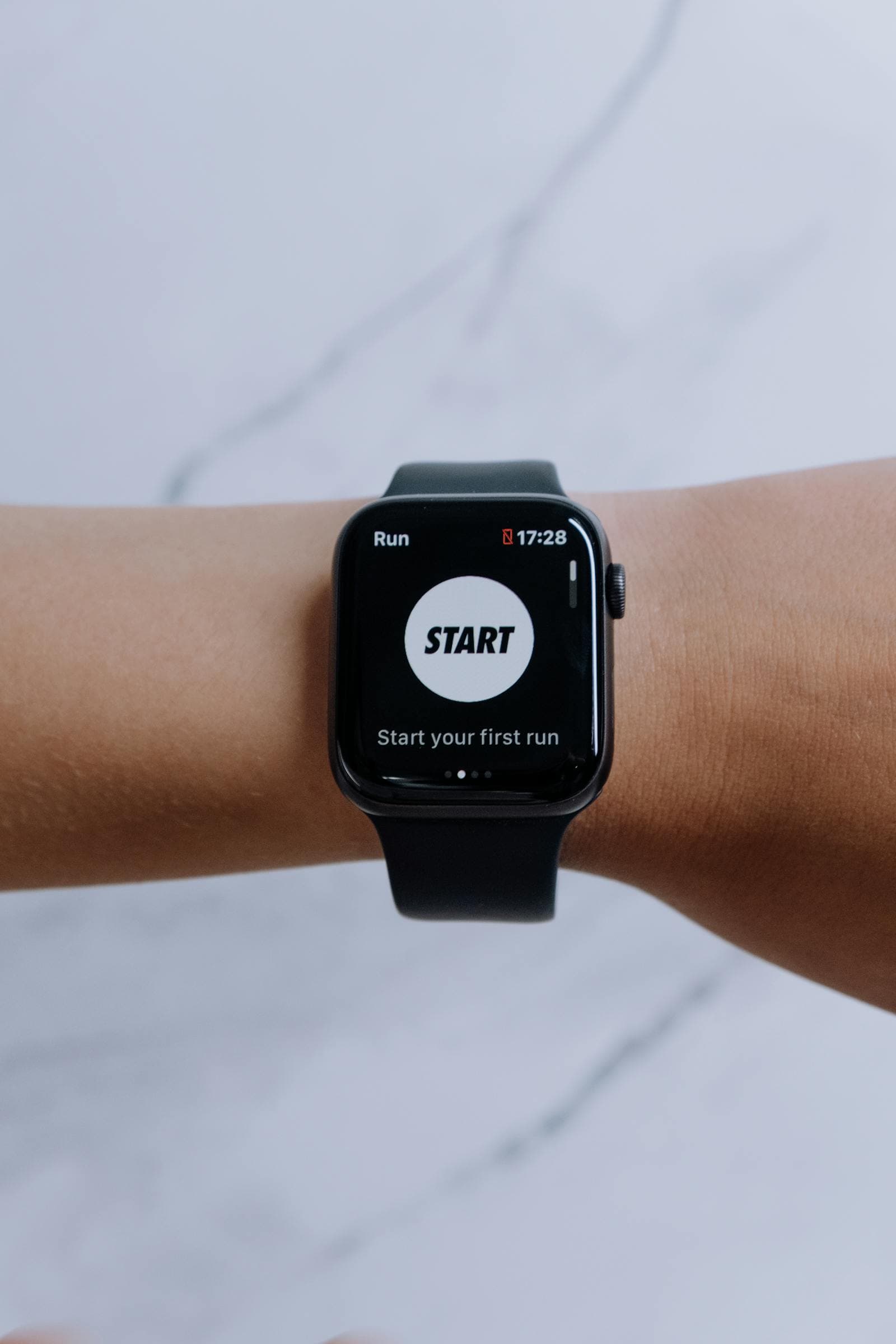
Short answer: yes, but only calories burned, not eaten. Apple Fitness tracks your workout and activity burn, and Apple ships no food-logging app at all. To track what you eat, you bring a third-party app (MyFitnessPal, Lose It!, Cronometer, or a photo-based tracker) and let it write to Apple Health.
The short version
- Yes, but it's burn only. Apple Fitness counts the calories you burn in workouts and activity, never the calories you eat.
- Three apps, none log food. Activity handles the Move ring, Fitness handles workout burn, and Health just stores whatever a connected app feeds it.
- What Apple can't compute alone: calories eaten, macros, specific meals, and therefore your actual deficit or surplus.
- The fix is one setup. Connect a third-party food tracker to Apple Health, and it fills in intake so Health can show net balance.
The Three Apple Apps That Touch Calories
Apple Activity (Watch + iPhone)
Tracks the Move ring, your active calorie burn from movement. Doesn't track food. The "Move" goal you set is a daily active-calorie target, not a calorie-intake target.
Apple Fitness (iPhone, Apple TV, iPad)
Apple Fitness is a workout-content platform with guided sessions. It tracks calories burned during the workouts it runs, and shows your total daily Activity ring progress. Still doesn't log food.
Apple Health (iPhone)
The aggregator. Stores data from Activity, Fitness, and any third-party app you connect, including food data, if a third-party calorie tracker writes to it. Apple Health displays dietary energy if some app puts it there, but Apple doesn't provide a way to enter food directly. (Technically you can type a single number in the Health app under Nutrition, but it's not designed for meal-by-meal logging.)
What Apple Tracks Automatically
- Resting calories: estimated from your age, sex, height, and weight, plus heart rate data from the Watch.
- Active calories: calculated from movement, heart rate, and detected workouts.
- Total calories burned: the sum of the two above, visible in the Fitness or Health app.
None of this is food intake. The Activity ring closing means you burned your target, not that you ate within your target.
What Apple Doesn't Track
- Calories eaten
- Macros (protein, carbs, fat)
- Specific foods or meals
- Hydration (you can log water manually but it's clunky)
- Net deficit or surplus (without intake data, deficit is uncomputable)
How to Get Full Calorie Tracking on Apple Devices
The standard pattern: pick a third-party calorie tracker, connect it to Apple Health, and the picture completes itself.
- Pick a food-logging app: MyFitnessPal, Lose It!, Cronometer, Lifesum, or a photo-based tracker like Cal AI or Bento Bunny.
- Grant Apple Health permissions: let the app read your Active and Resting calories from Health, and write your Dietary Energy and macros back to Health.
- Use the food-logging app for intake, and let Apple Health show the combined picture (intake vs burn) under the Browse > Nutrition > Active Energy and Dietary Energy sections.
Once both sides are populated, Apple Health shows your daily net energy balance, which is the actual deficit or surplus you're operating in.
The Common Frustration
Many people assume Apple Fitness tracks both sides because the Activity ring and the Fitness app feel comprehensive. They're not. Apple has deliberately stayed out of food logging: the assumption is that you'll bring your own app for that side of the equation.
The bottom line
Apple Fitness only ever tells you half the story: the burn side. For the other half, you bring your own app. Bento Bunny writes meal-by-meal dietary energy, protein, carbs, and fat into Apple Health automatically, so alongside your Watch's burn data you get the full picture: calories in, calories out, net balance, and macro progress in one Health timeline. See how Apple Health food tracking actually works for the setup.
Frequently Asked Questions
Does Apple Fitness track calories eaten?
What's the difference between Apple Activity, Fitness, and Health?
Can I log food directly in Apple Health?
How do I see my net calories on an iPhone?
Start tracking with Bento Bunny
AI calorie tracking — just Type what you eat.