iOS 27 Calorie Tracking: What's New and What's Missing
iOS 27 is out and can scan nutrition labels into Apple Health. What it logs, what it can't, and how to track real meals that have no label.
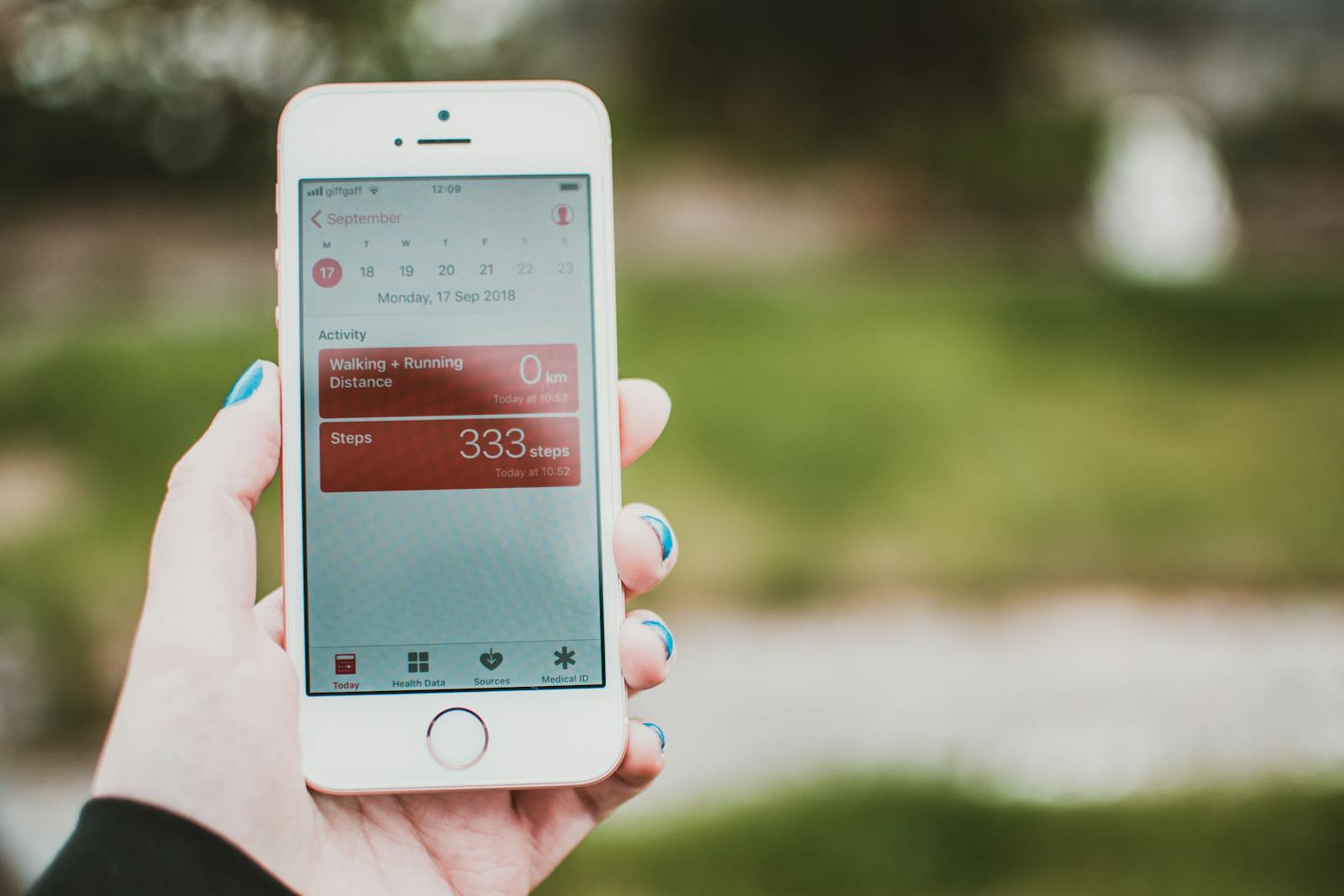
iOS 27 has been out since September 2026, and for the first time Apple handles part of food tracking itself: point your camera at a nutrition label and the calories and protein are read off and saved to Apple Health. After years of "does Apple even have a food tracker?", that's a genuine shift. But it's worth being precise about what shipped: iOS 27 added label scanning and a tidier Health app, not full AI meal logging. Here's what's new, what's still missing, and how to log the meals it can't.
The short version
- What's new: label scanning. Point the camera at a nutrition label and iOS 27 reads the calories and protein and saves them to Health, on-device.
- It reads labels, not meals. A cooked bowl of pasta, a restaurant plate, or a handful of nuts has no panel to scan: the everyday food most people struggle to log.
- Still no Apple food database. You can't type "chicken shawarma" and get macros back, and manual entry is tidier but still manual.
- Out now on iPhone 11 and newer. For real meals, you still pair Health with a dedicated AI tracker.
What iOS 27 Actually Adds for Food Tracking
Nutrition-label scanning
The headline change: iOS 27 lets you scan a food package's nutrition label with the camera. Apple's on-device AI parses the key numbers (calories, protein, and other listed values) and writes them straight into the Health app's Nutrition section. No typing, no searching. For packaged foods, it's the fastest Apple has ever made logging.
A revamped Health app
Health also gets a layout overhaul in iOS 27: categories are reorganised to be easier to navigate, and manually logging a metric takes fewer taps than the fiddly Browse → Nutrition → category → Add Data flow that exists today. If you've ever tried to log food by hand in Health, this is a welcome cleanup. (For how that storage layer works, see our guide to Apple Health food tracking.)
On-device AI and a smarter Siri
The label scanning runs on Apple's on-device Foundation Models (the same on-device AI stack introduced in iOS 26), so the parsing happens on your iPhone. iOS 27 also ships an overhauled, more conversational Siri with deeper Apple Intelligence and Visual Intelligence integration, which hints at where Apple wants to take camera-based understanding over time.
iOS 27 came out in September 2026 and runs on iPhone 11 and newer.
What iOS 27 Still Doesn't Do
The new scanning is real, but it's narrow. A few important limits:
- It reads labels, not meals. Scanning a nutrition label needs a label. A bowl of pasta you cooked, a restaurant plate, or a handful of nuts has no barcode and no panel to read, so the iOS 27 feature can't help there. That's exactly the everyday food most people struggle to log.
- There's still no Apple food database. Unlike Maps or Music, Apple hasn't built a searchable catalogue of foods. You can't type "chicken shawarma" and get macros back.
- Manual logging is tidier, not effortless. The revamped Health app makes hand-entry quicker, but it's still hand-entry for anything without a label.
- It needs iPhone 11 or newer. Older iPhones still need a third-party app for any food logging.
iOS 27 Health vs a Dedicated AI Tracker
The cleanest way to think about it: Apple Health is the storage hub; a calorie tracker is the capture experience. iOS 27 made the storage side nicer and added one fast input (packaged labels). A dedicated AI tracker is about capturing everything else: the real, unlabelled food you actually eat.
| Capability | iOS 27 Health | AI calorie tracker |
|---|---|---|
| Scan a packaged label | Yes | Yes |
| Log a cooked plate from a photo | No | Yes |
| Type "2 eggs and toast" → macros | No | Yes |
| Food database / search | No | Yes |
| Full macro breakdown per meal | Partial | Yes |
| Writes to Apple Health | Native | Yes |
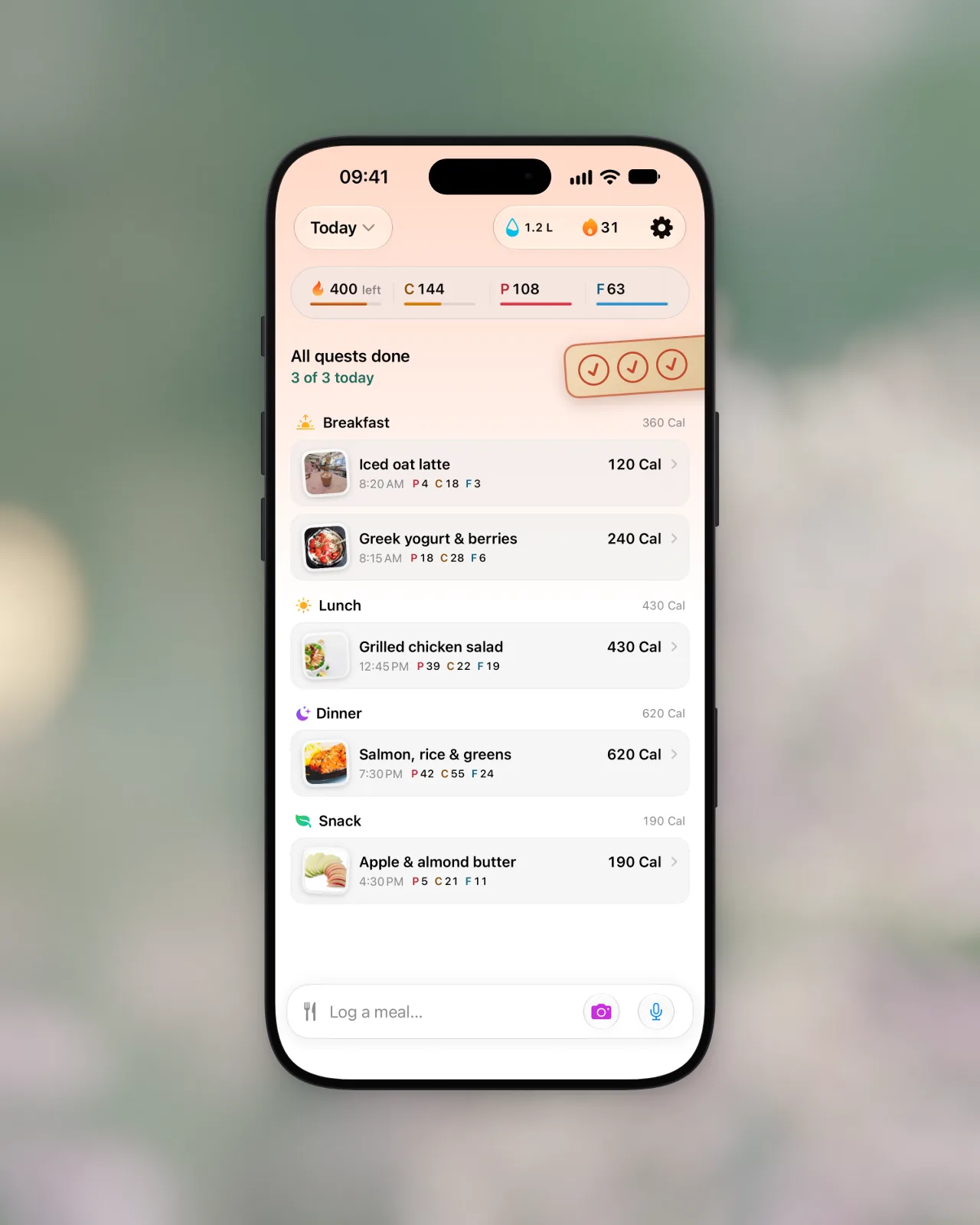
These aren't competitors so much as layers. The best results come from using both. See how AI photo tracking works for the capture side, or compare AI calorie trackers if you're shopping.
The Best iOS 27 Stack for Food Tracking
The setup that gets the most out of iOS 27:
- Apple Health (iOS 27) as the aggregator: it now stores nutrition more cleanly and can scan the odd packaged label itself.
- Apple Watch for the burn side: active and resting calories. (See how Apple Fitness tracks calories.)
- An AI tracker you can type to or point a camera at that writes back to Health, for the 90% of meals that don't come with a label.
That gives you calories-in and calories-out in one Health timeline, with capture that covers real food, not just packaged goods.
The bottom line
iOS 27 made Apple Health a nicer storage hub and added one fast input: packaged labels. Bento Bunny is built to be the capture layer it leaves out: describe a meal in plain English, or snap a photo of any plate, and the AI estimates calories and macros in seconds, no label required. It runs on-device with Apple's Foundation Models on iOS 26 and later, so your meal photos never leave your phone, and every meal is written into Apple Health alongside your Watch's burn data. Switching apps? It imports your MyFitnessPal history so you don't start from zero. Try the free AI calorie estimator in your browser, then see how the full Apple stack comes together.
Frequently Asked Questions
Does iOS 27 have a calorie tracker?
Can iPhone scan food for calories in iOS 27?
Will iOS 27 replace MyFitnessPal or Cal AI?
Does iOS 27 nutrition scanning work on cooked meals?
When did iOS 27 come out and what iPhones support it?
Start tracking with Bento Bunny
AI calorie tracking. Just type what you eat.