How Does Fitbit Calculate Calories Burned? (And How Accurate Is It)
How Fitbit works out calories burned, why the number is already climbing at 8am, how accurate the estimate really is, and how to use it without wrecking your deficit.
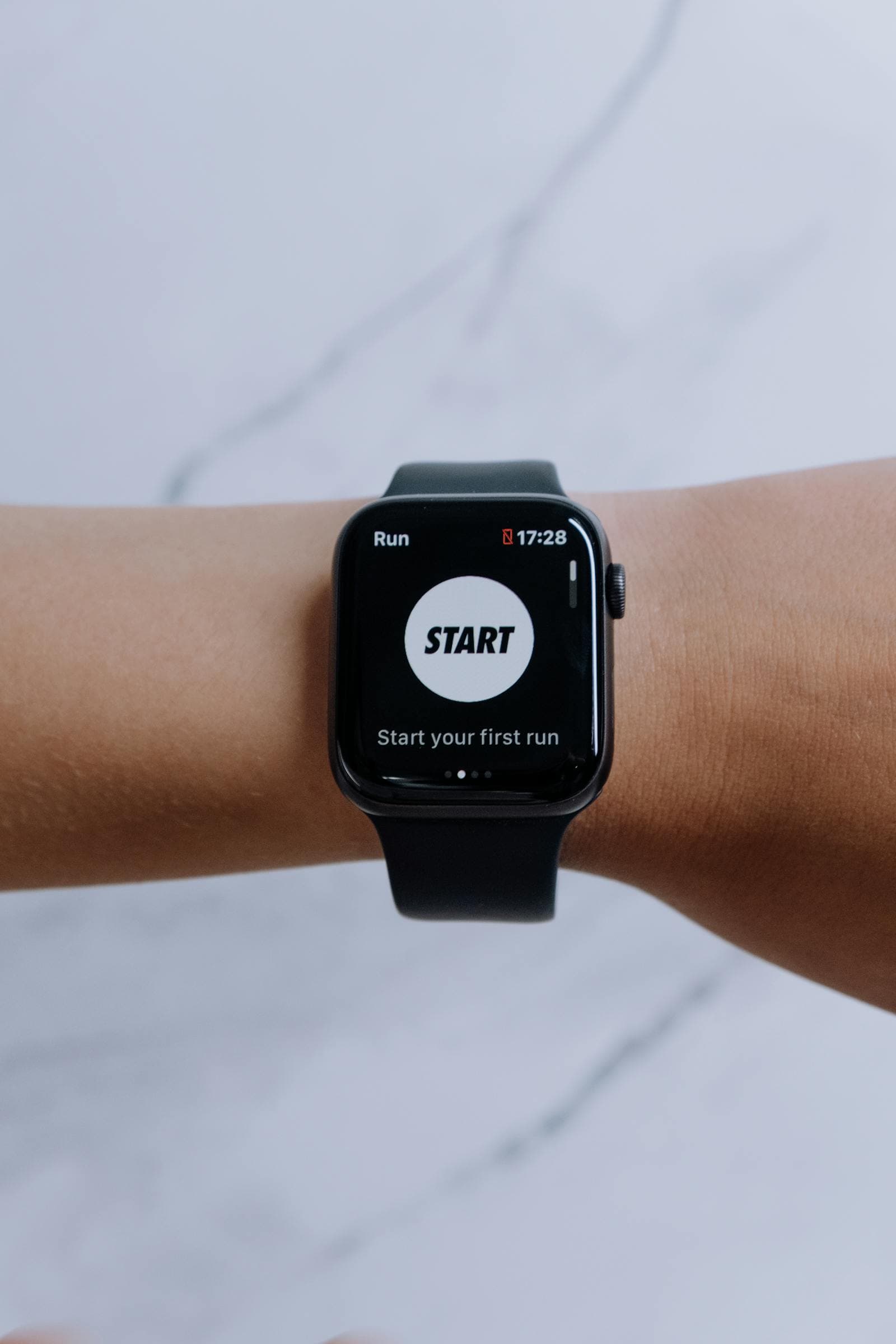
The most common Fitbit question is not how to read the calorie number. It is why the number is already at 600 before lunch, and whether you are allowed to eat it. Both answers come from understanding what Fitbit is actually counting.
The short version
- Fitbit counts total calories burned, not just exercise. Your resting metabolism is included from midnight onward, which is why the number is never zero.
- The base is your BMR, estimated from your age, sex, height, and weight in your profile.
- On top of that it adds movement from the accelerometer and, during workouts, heart rate from the optical sensor.
- Accuracy: good for steady cardio, weaker for strength training, carrying loads, and anything where your wrist is still but you are working.
- Practical rule: treat the burn as a trend line, not a bank balance. Do not eat back every calorie it reports.
The Formula, in Plain Terms
Fitbit builds your daily number from three ingredients.
1. Basal metabolic rate
This is what your body spends staying alive: breathing, circulation, keeping your temperature up, running your brain. It is the majority of most people's daily burn, usually somewhere between 55 and 70 percent. Fitbit estimates it from the profile data you entered, using a standard equation. It starts accruing at midnight, which is exactly why you wake up with a few hundred calories already logged.
2. Movement
The accelerometer tracks the motion of your wrist and converts it into an activity estimate. Steps, pace, and intensity feed a model that adds calories on top of your BMR through the day. This part is why walking to the shops shows up even though you would never call it exercise.
3. Heart rate
During elevated effort, the optical heart rate sensor takes over as the better signal. Motion alone cannot tell a brisk walk from a hard hill climb, but heart rate can. This is why Fitbit's estimates get relatively better during a run and relatively worse during a set of deadlifts, where effort is high and the wrist is barely moving.
Add all three together and you get the number on the app. It is a whole-day total, not a workout total.
Why the Number Looks Too High
Because it is measuring a different thing than you assume. If your Fitbit says 2,400 calories burned, that is not 2,400 calories of exercise you can eat on top of your maintenance. It is your maintenance, plus whatever you moved. Treating it as a bonus is the single most common way people quietly eat their deficit away.
The right mental model: Fitbit tells you the calories-out side of the equation for the whole day. Your food log tells you the calories-in side. The gap between them, tracked over weeks, is what moves the scale.
How Accurate Is It?
Wrist-worn trackers are reasonable at ranking effort and mediocre at absolute numbers. Independent research over the years has generally found heart rate tracking to be quite good and energy expenditure estimates to be considerably less so, with errors that vary by person and activity type.
Where Fitbit does well:
- Steady cardio: running, cycling, brisk walking, rowing.
- Day-to-day comparisons for the same person. If Tuesday reads higher than Monday, you probably did move more.
Where it struggles:
- Strength training. High effort, minimal wrist motion, heart rate that lags the actual work.
- Pushing or carrying. Prams, trolleys, heavy shopping. Your arm is stable, so the accelerometer sees nothing.
- Anything relying on your profile being right. BMR is estimated, not measured, and individual metabolisms vary by a lot more than most people expect.
This is not a reason to ignore the number. It is a reason to use the trend rather than the digit.
How to Use It Without Sabotaging Yourself
- Keep your profile current. Weight, height, and age drive the BMR estimate. A profile you set up three years and eight kilos ago is quietly wrong every single day.
- Wear it consistently. The trend is only meaningful if the measurement conditions do not change. Same wrist, snug fit, worn all day.
- Do not eat back every exercise calorie. If you use a calorie-adjusted goal, eating back half of the reported burn is a common and sensible compromise given the error bars.
- Judge by outcomes, not estimates. If the scale is not moving over three to four weeks and your logging is honest, your real burn is lower than the app thinks. Adjust your intake by a couple of hundred calories and watch what happens.
The Half You Cannot Fix With a Wristband
Fitbit measures the out side well enough to be useful. The in side is entirely on you, and it is the half where the errors are larger. Under-reporting food intake is extremely common, and it is usually not deliberate: it is the oil in the pan, the handful of nuts, the portion that was bigger than the database entry.
Which is why the calories-out number only becomes useful once you are logging what you eat with the same consistency. Bento Bunny makes that side fast enough to actually keep up with: type what you ate in plain words, snap a photo of the plate, or scan a barcode, and the AI estimates calories and macros in seconds. It writes into Apple Health, so your intake sits alongside your burn data in one timeline, and on iOS 26 and later the AI runs on-device so meal photos never leave your phone.
If you specifically wear a Fitbit Air, the Fitbit Air calorie tracking guide covers how that device reports its numbers. If you are on an Apple Watch instead, see how Apple Fitness tracks calories.
The bottom line
Fitbit calculates calories burned by estimating your resting metabolism from your profile, adding movement from the accelerometer, and refining it with heart rate during harder effort. The result is a whole-day total that includes just staying alive, which is why it looks so large so early. Use it as a trend, keep your profile up to date, resist eating back the full amount, and pair it with honest intake tracking. That pairing, not the wristband on its own, is what actually moves the number on the scale.
Frequently Asked Questions
How does Fitbit calculate calories burned?
Why does my Fitbit show calories burned when I have not exercised?
How accurate is Fitbit's calorie burn?
Should I eat back the calories my Fitbit says I burned?
Does Fitbit track calories eaten as well as burned?
Start tracking with Bento Bunny
AI calorie tracking — just Type what you eat.